
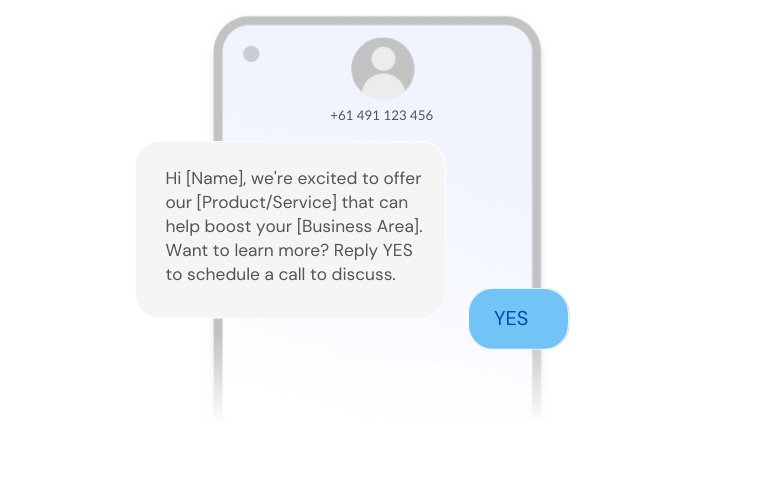
SMS is a simple, timely way for B2B and B2C businesses to reach customers where they already are: on their phone.
Think about how often your phone is within reach, and how full your inbox is. A good customer journey meets people where they are, and for a short, time-sensitive message, that is usually a text.
What I like about SMS is that the barrier is low for both sides. That is also the risk. Never spam prospects, keep every message short and useful, and make it obvious who it is from. People are wary of scam texts, so trust takes work to build and very little to lose.
Why SMS works
- It gets read: Texts are opened far more reliably than emails, and usually within minutes. If a message matters, SMS gives it the best chance of being seen.
- It is immediate: That makes it a good fit for anything time-sensitive, like appointment reminders, delivery updates, stock alerts or a change to an event.
- It can be personal: Pull the contact's name, location, order or appointment details from your CRM so the message is clearly meant for them.
- It can be tracked: Deliveries, replies, clicks and opt-outs can all be measured, as long as your SMS tool is properly connected to your CRM. Without that connection, SMS becomes another channel nobody can report on.
- Opting out is easy: Get consent before you send, include an opt-out in your marketing messages, and follow the SMS rules in each country you text into. The rules differ between the US, UK and Australia, so check them before you launch.
A clear opt-out protects your sender reputation and keeps the people who stay on your list genuinely interested.
Used well, SMS improves communication and customer satisfaction, and it shortens the gap between a customer needing something and you responding.
Ways to use SMS in the customer journey
Appointment reminders: A reminder the day before cuts missed meetings, site visits and demos, and gives the customer an easy way to reschedule.
Order confirmations: Confirm orders and send status updates so customers know where things stand without needing to call or email.

Marketing messages: Short, targeted offers or product news to people who have opted in. Use these sparingly. One relevant message beats five generic ones.

Notifications: Delivery windows, service outages, overdue payments and other updates that the customer needs to see quickly.
Surveys: A one-question survey by text after a delivery or support case gets more replies than a long email form, and the answer can be saved straight to the contact record.
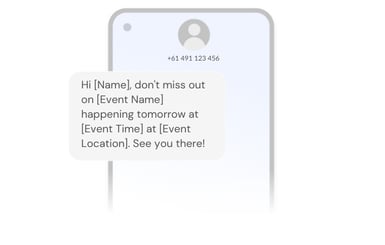
Event invitations and reminders: Alongside email and LinkedIn, a text makes sure the invite or the day-before reminder does not get lost in a busy inbox.

Onboarding: SMS works well for parts of onboarding. Start with a welcome message, point people to a walkthrough, then follow up with a tip on a feature they have not used yet.
So how do you pick the right provider?
What to look for in an SMS provider, and why we work with Sinch SMS
- Coverage: If you sell or support customers in more than one country, check that the provider can deliver reliably to every market you text into, including the US, UK and Australia if that is where your customers are.
- A dedicated number: Do not underestimate the trust that comes from a consistent, recognisable number. Customers know the message is really from you, and they know a reply will reach someone.
- Support: When messages are not sending or replies are not coming through, you need help quickly, not in a few days. Ask how support works and how fast they respond before you sign.
- How it connects to HubSpot: Do not stop at "there is an integration". Check exactly what it does. How easy is it to set up and maintain? Can you send SMS from a HubSpot workflow? Can sales and service reply to texts from the contact record? Does the conversation history land on the timeline?
This is the main reason we work with Sinch SMS (previously known as MessageMedia). Its HubSpot integration lets the team stay inside HubSpot rather than switching to a separate SMS platform, so SMS can sit in the same workflows as your emails. For example, a workflow can send a short text to anyone who did not open an important email. Some SMS tools only sync contacts and leave you working in their own system, which splits your data in two.
HubSpot also offers SMS options of its own on some plans and in some regions, so check what is available in your account before adding another tool.
- Reporting: Some providers still give you very little visibility of what was sent and received. You want a clear log of every message plus delivery, click, reply and opt-out data that you can use to improve your marketing and sales follow-up.
- Price: Cost matters, but I would put the points above first. A cheaper tool that customers do not trust, or that your team cannot use from HubSpot, costs more in the end.
If you want SMS built into your HubSpot workflows properly, with consent, opt-outs and reporting set up from day one, we can help. See how we set up HubSpot integrations.