A conversation we have often goes like this. The ads look healthy. Cost per lead is down, lead volume is up, and Google Ads says the campaigns are doing well. Then sales says the leads are bad: students, job seekers, businesses too small to buy.
Both sides are telling the truth. Google Ads is doing exactly what it was asked to do. It was asked to find form fills, and it found form fills.
Why optimizing to form fills finds more form fills
Smart bidding learns from the conversions you count. If the only conversion it sees is a form submission, every form submission looks equally good. A student filling in a form for a school project and a buyer ready to sign a six-figure contract are the same signal.
So the system does the sensible thing with what it has. It finds more people who fill in forms, as cheaply as it can, wherever forms are easiest to get.
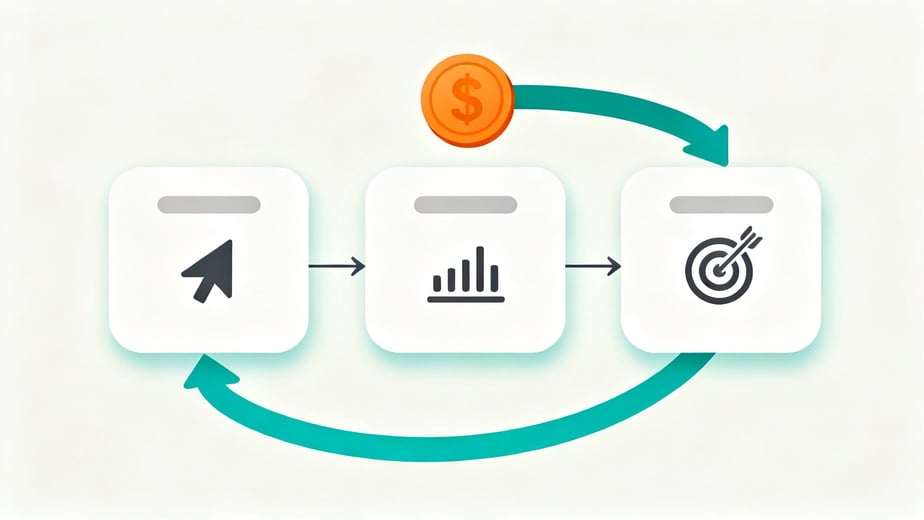
The fix is not a better bid strategy. It is a better signal. Google Ads needs to know which of those leads went on to become qualified, and which became revenue. That information does not live in Google Ads. It lives in your CRM.
Google Ads is the signal, HubSpot is the truth
Google Ads is the signal. HubSpot is the truth about revenue.
Google Ads can tell you who clicked and who filled in a form. Only the CRM knows who sales spoke to, who qualified, and who paid. We have written about why ads and HubSpot data will never match 100%, and that gap is exactly why the CRM has to feed the ads, not the other way around.
It also means we would rather see fewer leads that close than more leads that don't. A campaign that sends half the leads at twice the cost per lead can be the better campaign by a long way, if those leads turn into deals. You only see that when closed deals flow back.
How the data gets back into Google Ads
There are two routes, and most setups use some of both.
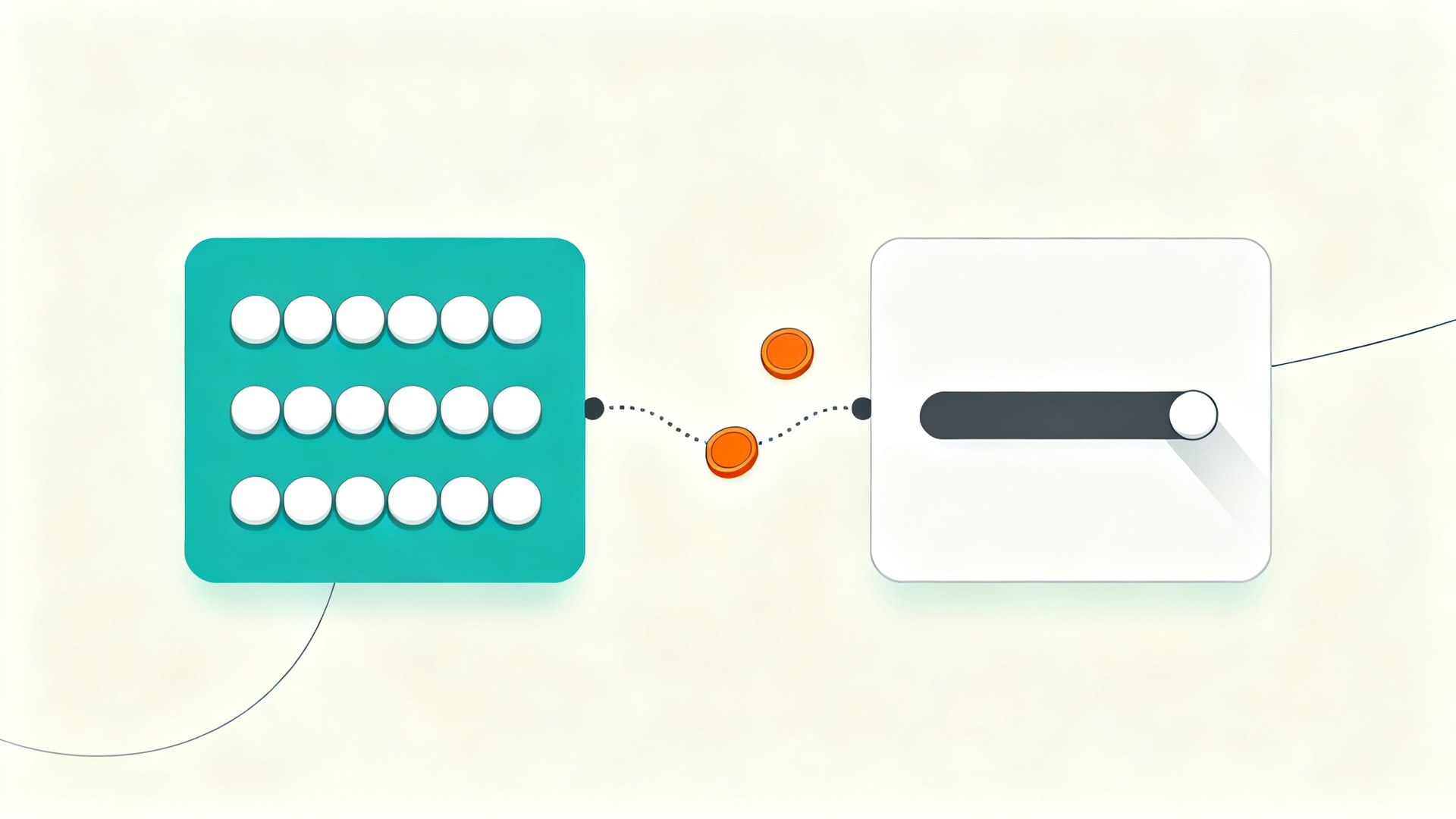
HubSpot ad conversion events. If you have Marketing Hub (Starter, Professional or Enterprise) and your Google Ads account connected, HubSpot can create and sync ad conversion events based on lifecycle stage changes or form submissions. When a contact moves to a stage you select, such as Marketing Qualified Lead or Opportunity, HubSpot sends that change to Google Ads as a conversion.
A few details matter here. The contact needs a value in the Google ad click ID (GCLID) property, or shared contact details such as an email address, so Google can match it to a click. Only stage changes after the event is created are counted, so nothing is backfilled. In Google Ads, the event needs "Included in account-level goals" set to Yes for the data to sync. And the value on a lifecycle stage event is a fixed amount you enter, not the deal amount.
Offline conversion import and enhanced conversions for leads. This is the general mechanism underneath. You upload conversions from your CRM against the original click, using the GCLID or hashed customer data such as email. Enhanced conversions for leads uses that hashed data to match leads to ad clicks and is Google's recommended upgrade from a click ID only import. This is the route for sending actual deal amounts at closed won, which the native HubSpot event does not do. HubSpot's own guidance points to a custom setup using workflows and Google's API for deal based values.
If tracking basics are not in place yet, start with ad tracking in HubSpot before anything else.
Which stages to send, and why
MQL and SQL are volume signals. They happen often enough and soon enough after the click for smart bidding to learn from. They tell Google which kinds of searches produce people worth talking to.
Closed won is the value signal. It is the stage that actually matters, but it happens less often and later. On its own it is often too thin for bidding. Sent alongside the earlier stages, it tells Google which leads were worth the most.
Be careful about making every stage a primary conversion. If MQL, SQL and closed won all count for bidding at once, the system optimizes toward the sum of them and the meaning gets muddy. In most accounts one depth carries the bidding at a time, usually the deepest stage that has enough volume, and the others sit alongside as secondary actions so you can see them in reporting.
Assigning values
Values are what turn a list of conversions into a ranking. A simple way to set them is to work backwards from revenue: take your average deal value and multiply it by the share of leads at that stage that go on to close. If a quarter of SQLs close and the average deal is worth a set amount, an SQL is worth roughly a quarter of that.
They do not need to be perfect, just in the right order and grounded in your own CRM.
The lag between click and close
This is the part most setups get wrong. Google only accepts offline conversions uploaded within 90 days of the click, and 63 days for enhanced conversions for leads. If your sales cycle is four months, most closed won deals arrive too late to count against the original click.
Even inside the window, Google notes that when the delay between click and conversion is longer than seven days, predicting conversion rates gets harder and performance can look more volatile while it waits for data.
That is why the earlier stages matter so much. On a long sales cycle, SQL is often the signal that carries the bidding, because it arrives in time to be useful. Closed won still goes back, but as the check that the earlier signal is pointing in the right direction.
What needs to be true in the CRM first
Sending CRM data to Google Ads only helps if the CRM is right. Before any of this, we check four things.
The click is captured. Contacts from Google Ads carry a GCLID or at least a matchable email. If the click ID is lost between landing page and form, nothing downstream works.
Stages are actually used. If sales skips lifecycle stages, or updates them in bulk once a quarter, the signal is late and wrong.
Deal data is clean. Amounts are filled in, closed lost is used, and deals are associated with the right contact.
Reporting is in place. You need to see Google Ads leads through to revenue in HubSpot. These 10 core reports for a Google Ads and HubSpot dashboard are where we start.
A sensible order to roll it out
- Fix click capture and confirm Google Ads contacts are being identified in HubSpot.
- Agree stage definitions with sales, and make sure they are used consistently.
- Send MQL or SQL back as a secondary conversion and watch it for a few weeks.
- Add closed won with values, also secondary to start.
- Once the volume is there, move bidding onto the deepest stage that has enough conversions, with values.
- Review values and close rates every quarter.
If you want to know whether your Google Ads account is bidding toward revenue or just toward forms, a Google Ads audit is where we would start. It looks at the account and the CRM signal behind it together, because that is where most of the answer is.