

Demand generation has always run on three things.
The data you hold about people. The context that tells you what that data means. And the timing of when you act on it.
Nothing about that is new. What has been true for years is that most teams have all three and never have them in the same place at the same moment. The data sits in CRM properties. The context sits in a report somebody runs on a Monday. And the timing gets decided by whoever happens to be looking at the right screen.
That gap is where demand leaks. Not through bad strategy. Through a good insight arriving two days after it was useful.
UNBOUND 2026 is HubSpot's attempt to close that gap. They put the three in one loop that runs continuously instead of in three tools that check in with each other occasionally. That is the story of this release, and it is worth more attention than the feature list.
We are a HubSpot Platinum Partner and have been working in HubSpot since 2018. Here is our read, organised the way we think about it rather than the way the keynote ran.
First: the layer it all sits on
HubSpot built this release around something they call Growth Context. Their definition is the shared understanding of your customers, your business, and how your team actually works.
In practice it is one intelligence layer that every agent loads before it does anything. Campaign Agent, Content Agent, Nurture Agent, Revenue Agent, anything you build yourself in Agent Builder. They all start from the same picture.
The thing worth understanding is where that picture comes from. It is not something HubSpot supplies. It is assembled from your data. Your properties, your segments, your ICP definition, your brand voice settings. Growth Context is a name for your own CRM, made readable by everything sitting on top of it.
Which is why the three pillars below are the right way to read this release, and why the order matters. Data first, because the other two depend on it.
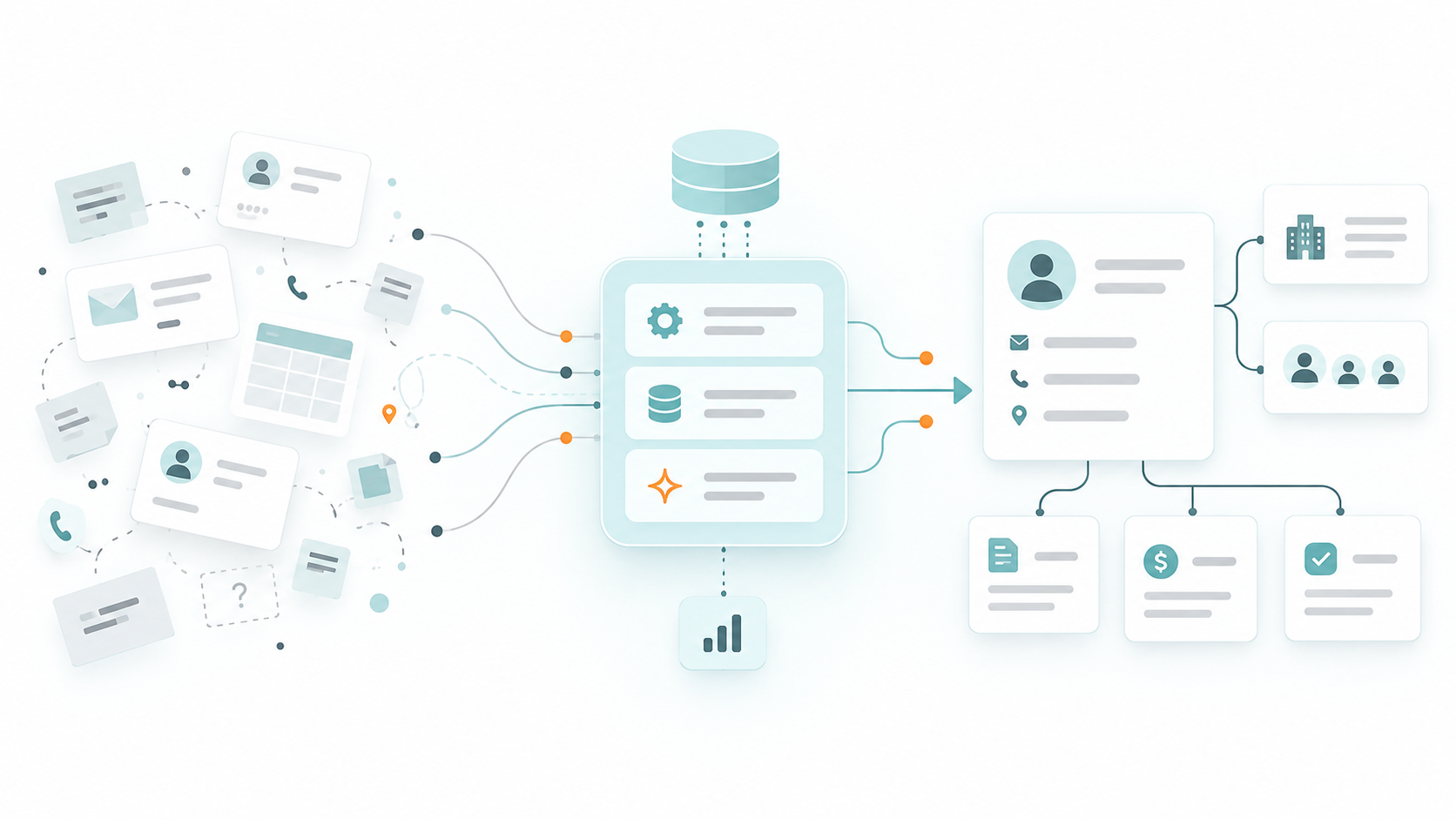
1. Data: your properties stopped being something you maintain by hand
Everything in this launch is downstream of what your records actually contain. So the least discussed updates are the ones we would look at first.
The CRM now fills itself in
Self-updating CRM captures signals from emails, calls and meetings and uses them to enrich records. Fewer empty properties, less manual entry, and better inputs for everything downstream. Notetaker and Data Agent are GA from Starter up, and enrichment sits in the Smart CRM core across all tiers.
Data Agent also answers complex business questions using your CRM, transcripts and the web, and writes results directly back into the CRM. That last part matters. It is not just reading your data, it is improving it.
Segments got a lot more room
On Starter you get up to 50 active segments, and the criteria are limited to form submissions, contact properties and email activity. On Professional you get up to 1,200 active and 1,200 static, and you can build random samples from any segment.
That is not a headline feature. It is the difference between segmenting the way your business actually thinks about customers and segmenting the way the tool lets you. Several betas sit alongside it, including segment analytics, filter insights, web visitor segments and AI segment suggestions.
Why this is the part to get right
Every agent in this release loads your context before it runs. If your properties are inconsistent, half-populated, or structured for how the business worked three years ago, every agent inherits that and produces confident output built on it.
The teams who get the most from this launch will be the ones whose properties were in good shape before it arrived. That is not the exciting part of this article and it is the part that decides the outcome.
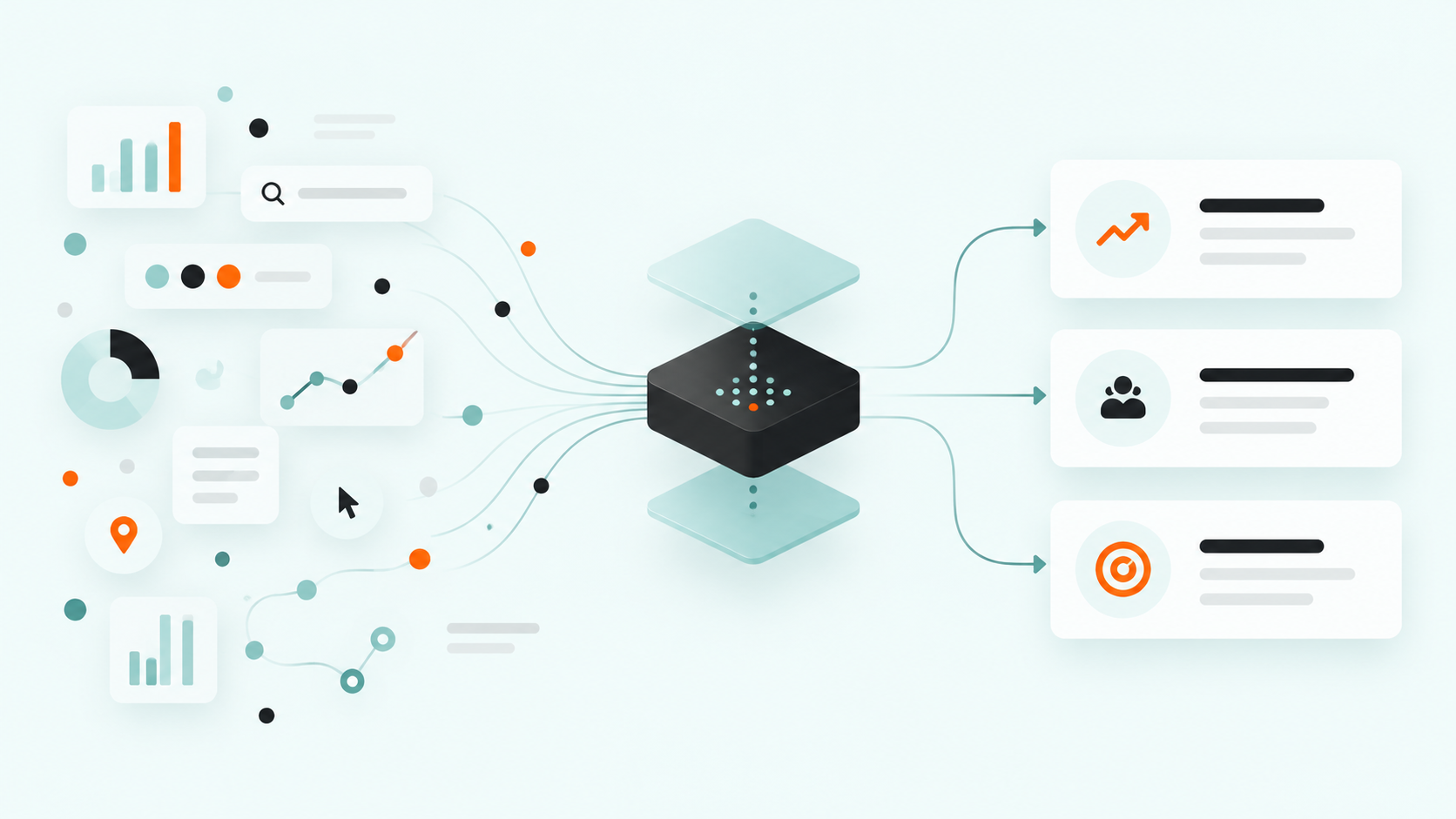
2. Context and insights: the analysis moved to where the decision happens
Data on its own does not tell you anything. The second pillar is what HubSpot has done to turn it into something you can act on.
Marketing Studio 2.0
The old Campaign Planning Canvas had real problems. Hard to read, reporting sitting separately from the work, collaboration buried where nobody found it. It has been rebuilt as a connected orchestration layer, which means strategy and execution now live in the same place.
What that looks like in use is the important bit. You open it and the insights are already there, next to the live campaign numbers. A broken conversion path on an apply CTA. A consideration-stage drop-off where most visitors leave before reaching the form. An AEO recommendation showing competitors being cited first for a search intent you care about.
Each one arrives with recommendations attached and a way to act on it without leaving the screen.
HubSpot could always report on campaigns. The change is that the reporting now sits where the decision gets made.
Marketing Hub Pro and above, private beta going into UNBOUND.
Deep Research
Part of the Nurture Agent, and worth calling out on its own. It surfaces the three most important actions across all your campaigns, ranked by impact, each with a one-click next step.
Three, ranked. Not a dashboard of forty things that are all technically true. That is a real design decision and it is the right one.
AEO, which is insight into a channel you could not previously see
AEO arrived in the Spring Spotlight as a tracking tool and has moved on a long way. There is now a free AI Search Sensor widget you can embed on your own pages, showing how ChatGPT, Gemini and Perplexity are shifting traffic and visibility.
HubSpot framed it as a demand play, which it is. Put the widget on a high-traffic page, pair it with a nearby CTA offering to show someone how their own brand is showing up, and you capture high-intent leads from something the visitor actually wanted to look at. A monthly AI visibility pulse with one trend and one recommended action keeps it going.
On the Marketing Hub side the beta gives you 25 prompts, run daily across three engines, for 2,500 answers a month.
3. Timing: the part everyone underrates
This is the pillar that changed most, and it got the least airtime.
The example that makes the case
One of the insights HubSpot demoed inside Marketing Studio was a broken conversion path. The apply CTA was returning a 404, and 4,800 contacts were scheduled to receive the next email in the sequence in four hours.
Read that again, because the number is not the point. The four hours is the point.
That insight is worth a great deal at four hours out. On Monday, after 4,800 people have hit a dead link, it is worth almost nothing. It is the same finding. What changed is when it reached someone.
Every timing improvement in this release is a version of that.
Triggers can now come from outside HubSpot
Agent Builder workflows can now trigger from external events. A Slack message. A Google Sheet update. A webhook. A third-party event. A recurring schedule.
The trigger is the timing. Until now, if the thing that should start a process happened outside HubSpot, you were writing custom middleware or accepting that someone would eventually notice and kick it off. That is where a lot of good automation ideas stopped.
There is also one-click migration for eligible legacy workflows into agentic ones using Breeze, so you are not rebuilding what you already have. Pro and above, public beta since July.
Deal Progression stopped waiting for a meeting
It used to work from scheduled calls. It now monitors emails, calls and meetings continuously in the background, and analyses and logs every buyer interaction rather than only the ones in the calendar.
Pipeline accuracy stops depending on whether a rep remembered to update a record after a good conversation. Email CRM updates are in private beta, transcript tools are in public beta.
Revenue Agent is a timing engine with an approval step
New, and nothing to do with marketing. It supervises outstanding invoices, works out the right follow-up, and chases payment.
The demo showed a contact with two invoices past due. Rather than firing something off, the agent explained its reasoning first. Both invoices past due. One reminder already sent. The pre-due-date sequence no longer applicable, so it proposed an immediate direct email covering both, plus a scheduled follow-up three days after the due date. Then it showed the drafted email and waited for someone to approve it or request changes.
The whole agent is built around due dates and what happened when. And the approval step is the right shape: the agent does the thinking and the drafting, a person keeps the decision.
Nurture Agent researches at the moment of writing
Before it drafts a word it pulls your brand voice settings, your ICP data, and live web research on that contact and their company. Not a segment export from last quarter. Current, at the point the email gets written.
The demo showed the difference. A generic line about customers seeing improvements in satisfaction and repeat business got replaced with a specific one about cafés similar to that contact's own increasing repeat visits through rotating single-origin coffees and seasonal blends, while simplifying inventory with scheduled deliveries.
Same email. One reads like a template. The other reads like someone did the work.
What runs the loop
The three demand agents sit under Marketing Studio, orchestrated by Breeze, HubSpot’s AI assistant. HubSpot gave each a one-word promise, which is useful shorthand for what they are asking you to trust it with.
Campaign Agent, "easy". Plans and coordinates campaigns. Measured on campaign velocity, time to launch, and asset count.
Content Agent, "fast". Generates blogs, LinkedIn posts and landing pages from your context and your AEO insights. It researches the web, analyses keywords, writes for answer engines rather than only search engines, and adds internal and external links. Measured on reach, brand visibility, and time per asset. Private beta, Marketing Hub Pro and above, needs AEO switched on.
Nurture Agent, "trusted". Personalises at scale, with the research step above. Measured on conversion rate, engagement rate, and lead-to-opportunity. Private beta, Marketing Hub Pro and above.
Breeze sits across all of it and is available in every part of HubSpot, so you are not moving between systems to direct any of this. HubSpot reports 2.2x more leads generated and 3.4x more deals closed for teams using it.
All of these agents, and any custom agents you build yourself in Agent Builder, consume HubSpot credits. For most of it the comparison is against hours rather than against zero. But it is usage-based, so it scales with how much you use it. Check HubSpot’s current credit rates and model them against your real volumes before switching everything on, particularly for nurture emails if you send at any scale.
The small update that serves all three
For emails using smart content, programmable modules or dynamic AI text tokens, you can now open a contact record and view the exact email that person received. It sits on the activity timeline as "view sent email" and stays available for 30 days.
It is a data update, because the record now holds what was actually sent. It is a context update, because sales gets the full picture instead of a line saying an email went out. And it is a timing update, because they get it before the follow-up call rather than after.
One caveat so it does not catch you out. It only applies to emails using smart content, programmable modules or dynamic AI text. Standard emails with basic personalisation tokens do not get it.
Where the Professional line falls
Almost everything above sits at Professional and up. Marketing Studio, Content Agent, Nurture Agent, advanced AEO recommendations and full site auditing, unlimited workflow actions, omni-channel automation, A/B testing, smart content in email, advanced personalisation, custom reporting, and the segment ceiling going from 50 to 1,200.
Campaign management is part of that picture too. Build, execute, collaborate and report from one place, with real-time CRM data rather than exports that were accurate on the day someone pulled them. Tasks, comments and a calendar built in. Up to 5,000 campaigns per account.
If you are on Starter and have been wondering when the upgrade is worth it, this release is the clearest answer HubSpot has given in a while. Not because Starter got worse. Because the loop described above mostly starts at Pro.
For the developers and builders
Briefly, since it matters to some readers and not others.
MCP updates give agents read and write access across landing pages, campaigns, quotes, custom objects and workflows, GA on all tiers. HubSQL is a public analytics endpoint for querying aggregated CRM object data with standard SQL, in private beta. The Lovable connector lets you build no-code standalone apps on HubSpot data, private beta. And multiple-account management, now GA for all Enterprise customers, lets you oversee and govern permissions across a client's Pro and Enterprise portals from one dashboard.
What we'd actually do about it
Now, and worth doing
Look at your properties. Which ones are populated, which are stale, which exist because someone needed them in 2023. This is the work that determines what everything else is capable of, and it is available to do today at no cost.
Turn on AEO if you are producing content and are not tracking it. Embed the free AI Search Sensor widget on a high-traffic page. Switch on view sent email if you run smart content.
Then take the timing question seriously. Write down every process you gave up automating because the trigger lived outside HubSpot. Agent Builder's external triggers are live now, and that list is usually longer than people remember.
Worth preparing for
Marketing Studio 2.0 and the Content and Nurture Agents. Preparing means the data work above, because that is what these load before they run.
Worth watching, not acting on
HubSQL, the Lovable connector and the wider MCP updates. Interesting for where the platform is heading, not yet a decision most teams need to make.
Our take
Data, context and timing is not a new idea. It is what good demand generation has always been. What HubSpot has done is put all three in one system that runs continuously, so the insight reaches someone while it is still worth acting on.
The AI is how that became possible. It is the mechanism, not the story. Reading this release as an AI launch will lead you to the wrong conclusions about what to do first.
And there is a limit worth being clear about. None of these tools decides which properties are worth capturing, what your business is actually trying to achieve, or whether a moment is the right one to act on commercially. They execute well against a definition somebody gives them. Getting that definition right is the work, and it stays human.
That is what we do. We look at how your business actually operates, get the data foundation right, and then bring the tools in so they support it rather than sitting on top of it. Switching features on is the easy half.
If you want a view on which parts of this release matter for your setup, we are happy to talk it through. See how we work as your fractional RevOps team.