
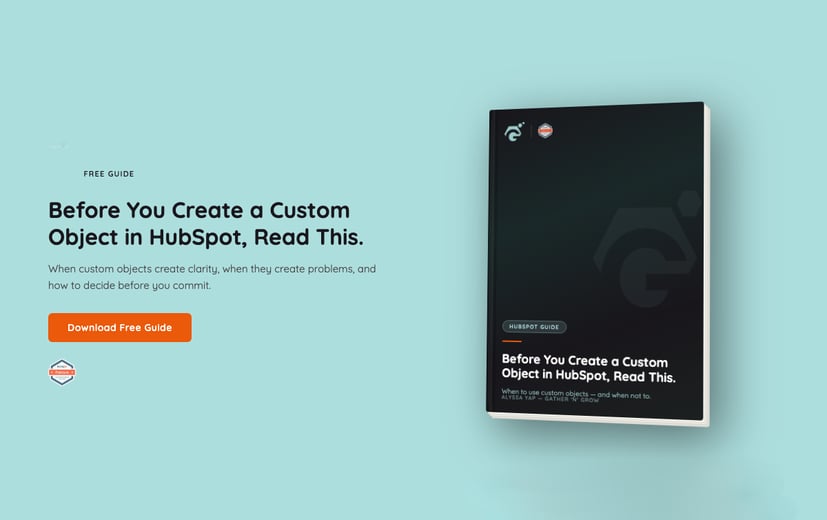
A custom object is not a setting you try out and undo. It shapes your reporting, automation and team habits for years. This free guide helps you decide whether you need one before you build it.
How to decide before you commit
- 1Objects vs propertiesWhere the line sits, with plain examples, and why getting it wrong leads to messy reports and fragile automation.
- 2Three questions to ask firstCan properties, pipelines or associations between standard objects solve it instead?
- 3When it is justified, and when it is notCommon use cases such as contracts, locations, applications and partners, and the warning signs to pause.
- 4A real-world case studyA subscription SaaS business that moved renewals out of deals, and what changed for forecasting and finance.
Three questions to ask every time
In most cases the answer to at least one of these is yes, and you do not need a new object.
Property or object?
"Contract Value" is a property. "Contract" is an object. When in doubt, start with a property. You can move to an object later, but going back is much harder.
When a custom object makes sense
Hold off when
- The process is still changingStructure should follow clarity, not the other way round.
- You cannot define it clearlyUnclear definitions become unclear data and reports no one trusts.
- It is really a labelIf a dropdown property could do the job, it is not an object.
Go ahead when
- It exists without a dealThe most useful test. If it would still exist with no deal attached, it may need its own object.
- It runs its own lifecycleRenewals, applications or assets that move independently of sales.
- It mirrors something realIf it does not exist outside HubSpot, it probably should not exist inside it.
From question to a decision
Read it before you build
Use it the moment someone says "can we just create a custom object for that?"
Design backward from decisions
Agree what leadership, sales, finance and marketing need to see before you design anything.
Test before you automate
Run the new structure by hand for a few weeks, confirm definitions and ownership, then add automation.
Every custom object needs three things to stay clean: documentation of what goes in it, one named owner, and a regular review. Without them, the structure quietly degrades.
Is your HubSpot structure helping or holding you back?
Our HubSpot Audit looks at how your portal is built, from objects and properties to pipelines and reports, and shows you what to keep, fix or remove. We walk you through it on a debrief call.
Before you download
Is this a how-to for building custom objects?
No. It is about deciding whether you need one, and what to plan for if you do. HubSpot covers the build steps in its own help docs.
Who is it for?
HubSpot admins weighing up custom objects, RevOps teams designing CRM structure, founders approving the decision, and agencies advising clients.
Is it free?
Yes. Fill in the form and we email you the PDF.
Get your copy of the guide
- 9 chapters, PDF
- Use cases and a real-world case study
- Sent straight to your inbox